Step 1
Send the claim request.
Include your truck name, city, owner contact info, and official website or social page.
 Food Truck Finder
For Food Truck Owners
Tell us which truck is yours and how to reach you. We review each claim before connecting a profile to an owner account.
Start Here
Search if you already saw a profile. If you do not find it, you can still submit the form. You do not need a referral code to start a claim request.
Step 1
Include your truck name, city, owner contact info, and official website or social page.
Step 2
The manual review helps prevent the wrong person from taking over a truck listing.
Step 3
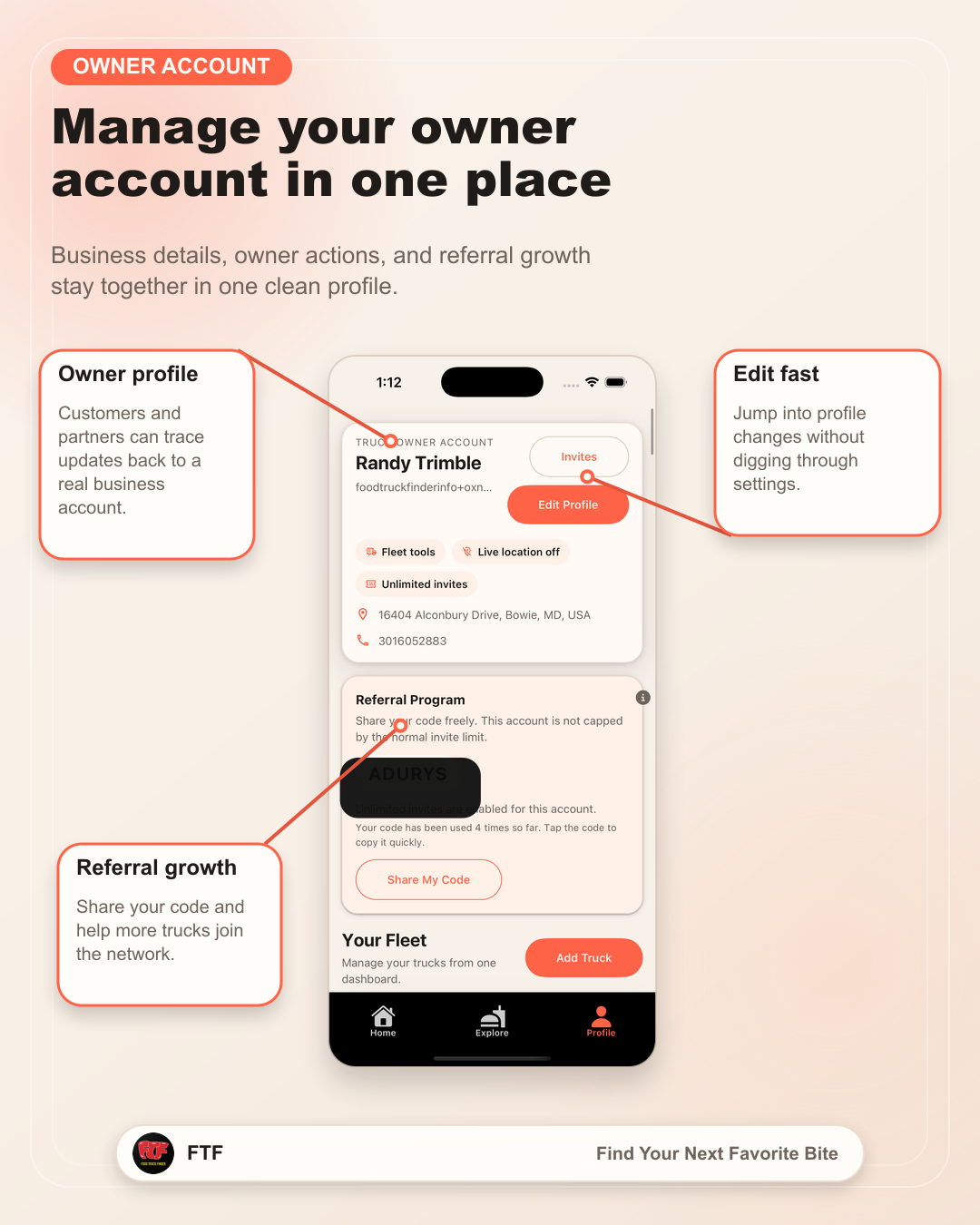
After review, we help connect the profile to the right Owner account so you can manage details from the Food Truck Finder app.
What Owners Can Add
A claimed profile can become the place customers check before they drive, order, or invite your truck to an event.
Help customers and organizers understand where your truck expects to be next.
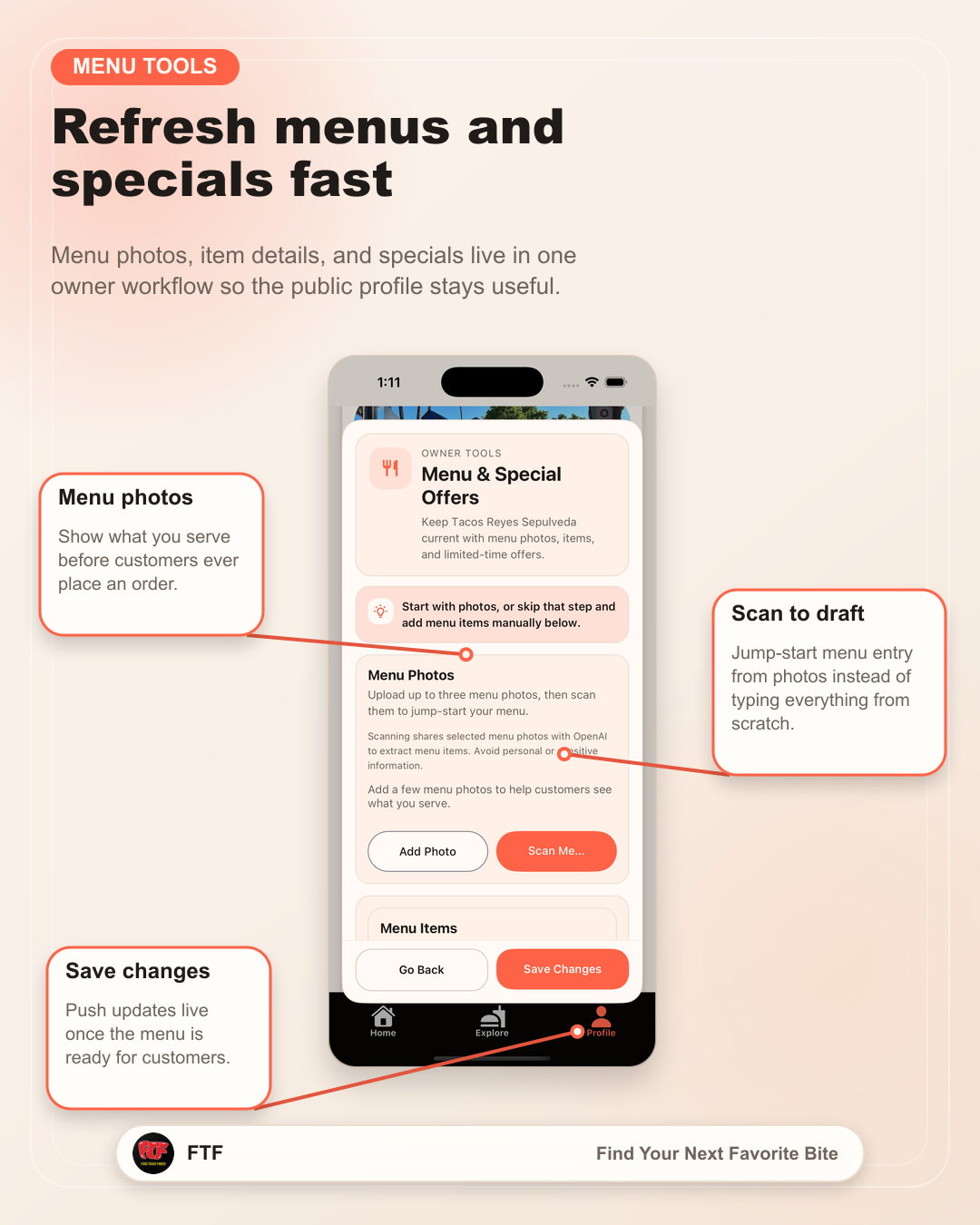
Show what you serve before customers commit to another option.
Make the profile feel current, recognizable, and easier to trust.
Connect people to your website, social page, ordering link, or event contact path.