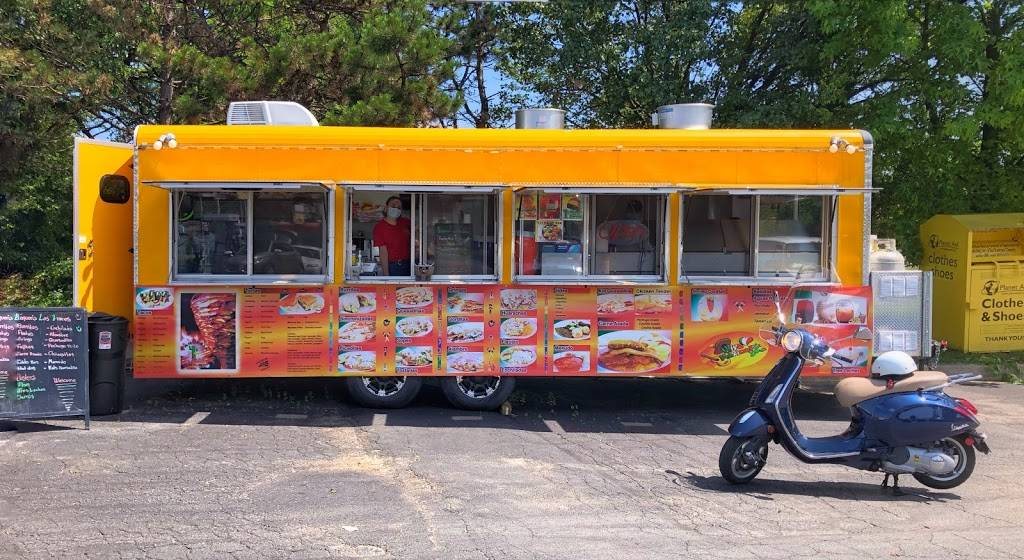
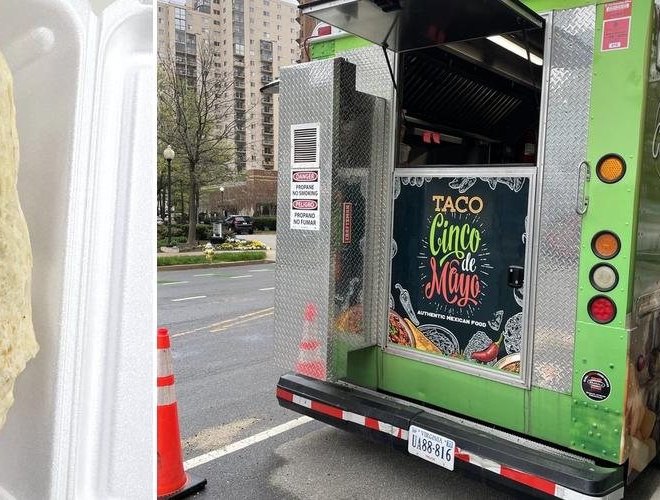
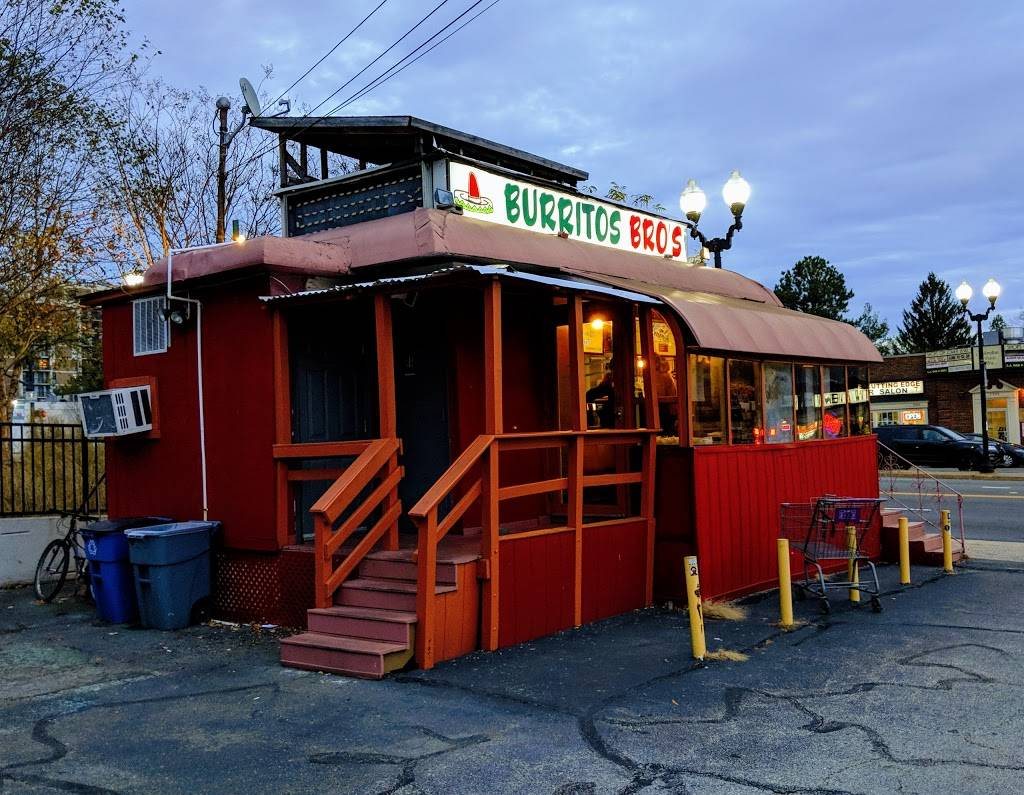
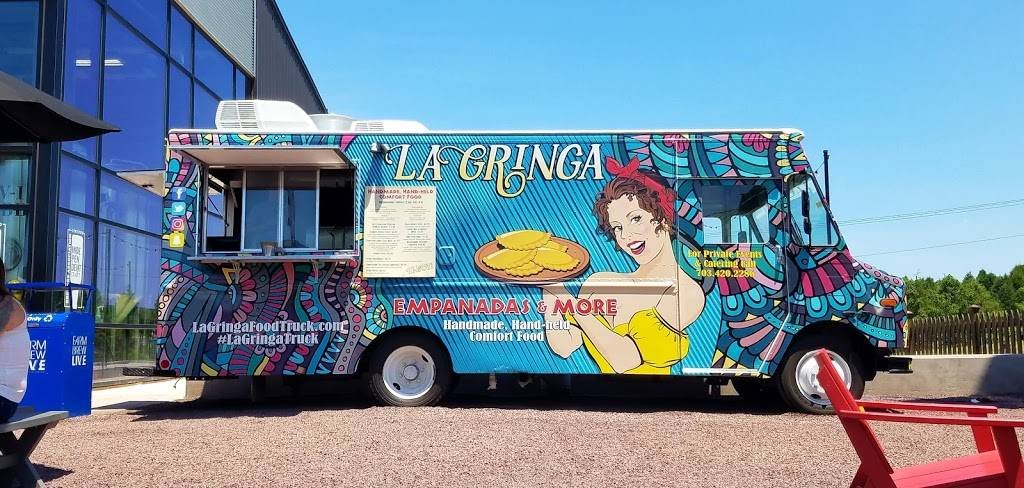
Built to help food truck owners get found, with tools for foodies and organizers

Help more people find your truck, check your menu, and know where you will be next.

Food Truck Finder gives owners one place to share live location, schedule, menu, and specials, while foodies browse nearby trucks and organizers build better vendor lineups.

Owner setup help Live location Menu and specials Truck discovery Event-ready profiles

Owner support

Need onboarding help or a referral code? Email us and we will help get your truck profile live faster.
Request Owner Help
Owners Keep your location, schedule, menu, and specials in one current place.
Foodies Browse nearby trucks, check details, and decide faster.
Organizers Discover trucks and build stronger food-driven events.
Food Truck Finder explore experience
Food Truck Finder owner overview
3 user groups Built for discovery, operations, and planning.
1 shared platform Keep the customer view and the owner view connected.

Foodies

Find something good before your lunch break is gone.

Stop bouncing between social posts, maps, and old menus. Use one place to see what is nearby, what looks good, and where to go next.

See the foodie walkthrough

Owners

Stop losing orders because people cannot find you.

When your location, hours, or menu are buried in stories and comments, customers move on. Give them one current place to check before they choose another truck.

See the owner walkthrough

Organizers

Plan events with better food options and less back-and-forth.

Discover trucks, evaluate fit, and support a smoother path from vendor research to event coordination.

See the organizer walkthrough

See It In Action

A quick demo that shows how the app helps owners get picked faster.

The demo below walks through discovery for foodies, live updates for owners, and the planning flow for organizers so the product value is clear in under a minute.

Video Slot Ready

Record one walkthrough that sells the app in under 60 seconds.

  • Start with the foodie discovery flow.
  • Show the owner dashboard, schedule, and menu updates.
  • End on organizer value and a download call to action.
Open the video brief

What this demo sells

  1. Show foodies finding a truck quickly instead of searching through old posts.
  2. Show owners updating location, stops, and menus so customers can act on current information.
  3. Show organizers discovering trucks and moving toward a cleaner invite flow.
  4. End with a direct owner setup and download call to action.
Media library ready

All of the screenshots selected for the site live in assets/media/ and are organized by audience.

Foodies

How Food Truck Finder helps users choose faster and eat better.

The foodie side of the app is about removing friction. The questions are simple: What is near me? Are they open? What do they serve? Is it worth the trip?

What foodies can do

  • Discover nearby trucks from a map and browseable list.
  • Compare options without opening multiple apps or chasing old social posts.
  • Check screens that help answer the basics before leaving home or work.
  • Follow trucks that look worth revisiting.

Foodie how-to

  1. Open the app and start on the explore or home feed.
  2. Browse nearby trucks, map pins, and quick-hit discovery cards.
  3. Check the truck details, menu, and timing before heading out.
  4. Save the trucks you want to keep up with and come back when cravings hit again.

Food Truck Owners

Make it easier for hungry customers to choose your truck.

If customers cannot quickly see where you are, when you are serving, and what you are selling, you lose the visit before the order starts. This side of the app is built to make the truck easier to find, easier to trust, and easier to choose.

Current location, not last week's post Keep today's stop visible instead of buried in stories, comments, or DMs.
Menu visibility before the customer commits Show people what you are serving and what is special before they spend elsewhere.
A stronger profile for customers and organizers Give both audiences a cleaner, more reliable snapshot of your truck.
Owner setup help when you need it Use the support email if you want help getting your profile live faster.

Why owners use it

  • Keep today's stop visible instead of buried across multiple platforms.
  • Show menu items and specials before customers decide where to spend.
  • Build a profile that makes the truck look active, reliable, and worth the drive.
  • Give organizers a better first look when they are deciding which trucks to invite.

Owner setup flow

  1. Create or claim your owner account and complete the truck profile.
  2. Add photos, truck details, cuisine, and the basics customers check first.
  3. Update service stops, schedule, and menu whenever plans change.
  4. Keep specials fresh so the app helps convert search intent into actual visits.

Need help getting live?

If you need onboarding help or an owner referral code, email Foodtruckfinderinfo@gmail.com.

If you want the fastest path, send a note with your truck name and say you want owner setup help.

Email for Owner Setup

Event Organizers

How organizers can use the platform to source better trucks and plan stronger events.

Organizers need a cleaner path from discovery to outreach. This section is designed to explain that value even when you are still expanding event-specific visuals.

What organizers can do

  • Browse trucks with clearer business profiles and better discovery context.
  • Use the app as a starting point for food vendor research and outreach.
  • Build guest experience planning around a stronger vendor shortlist.
  • See the product as a shared layer between event planning and truck visibility.

Organizer how-to

  1. Start with local truck discovery and shortlist the right fit for the event.
  2. Review truck profile information, cuisine fit, and service details.
  3. Use the invite and coordination flows as the handoff point into event planning.
  4. Keep a better paper trail for vendor communication and event lineup decisions.

Built for real usage

What the website should make obvious in under a minute.

Clear role messaging

Each audience should instantly understand why the app matters to them, not just what screens it has.

Useful screenshots

Every screenshot on the site now has a home in the media library and a job to do on the page.

How-to sections

The page explains how people actually use the app instead of forcing visitors to infer it from UI alone.

Legal and support links

Privacy policy, account deletion, download links, and support contacts remain visible and easy to access.

FAQ

Questions people are likely to ask before they download.

Is Food Truck Finder only for food truck owners?

No. The platform is positioned for foodies, owners, and event organizers, each with a different reason to use it.

Can owners update location, schedule, and menu?

Yes. That is the core owner workflow the site now shows most clearly.

What if my truck moves during the day?

The owner flow is meant to make stop and schedule changes easier to keep current so customers are not guessing.

What should the demo video show?

Discovery first, owner updates second, organizer coordination third, then a direct setup or download CTA.

Where are the screenshots for the website stored?

They live under assets/media/ and are grouped by audience for easy reuse.

Where are the legal pages now?

The site keeps dedicated links for the privacy policy and account deletion instructions in the footer.

Ready to get trucks onboard?

If you run a truck, get your profile live. If you follow trucks, download and start browsing.