Food Truck Owner
Claim your food truck
Find your truck, add two contact details, and use the secure link to finish setting up your Owner account.
- Free to claim
- About 1 minute
- No credit card

Your food truck
Selected food truck
First, select your truck
Find your food truck
Search by truck name. Adding a city can help narrow the results.
We’ll open a prefilled email so our team can help locate the listing or create the right profile.
Get owner claim helpStep 1 of 3
Start your claim
Two details are all you need to begin.
Claim started
Finish setting up in the Food Truck Finder app
We saved your claim for your food truck. Download or open the app to create your Owner account and continue.
We’ll verify ownership before profile changes are published.

Scan with your phone to continue.


Installing for the first time? After installation, return to your setup email and tap the secure link to continue.
Claim in progress
You already started this claim.
Your saved claim for this food truck is ready to continue.
Already connected
This truck is already connected to an Owner account.
Open Food Truck Finder and sign in to continue.
Open Food Truck FinderReview complete
This claim has already been verified.
Sign in to Food Truck Finder if your Owner account is already set up. Contact support if you still need access.
Fresh setup needed
This setup link is no longer active.
Your truck profile has not changed. Start again to create a fresh, secure continuation link.
Next: the Owner app
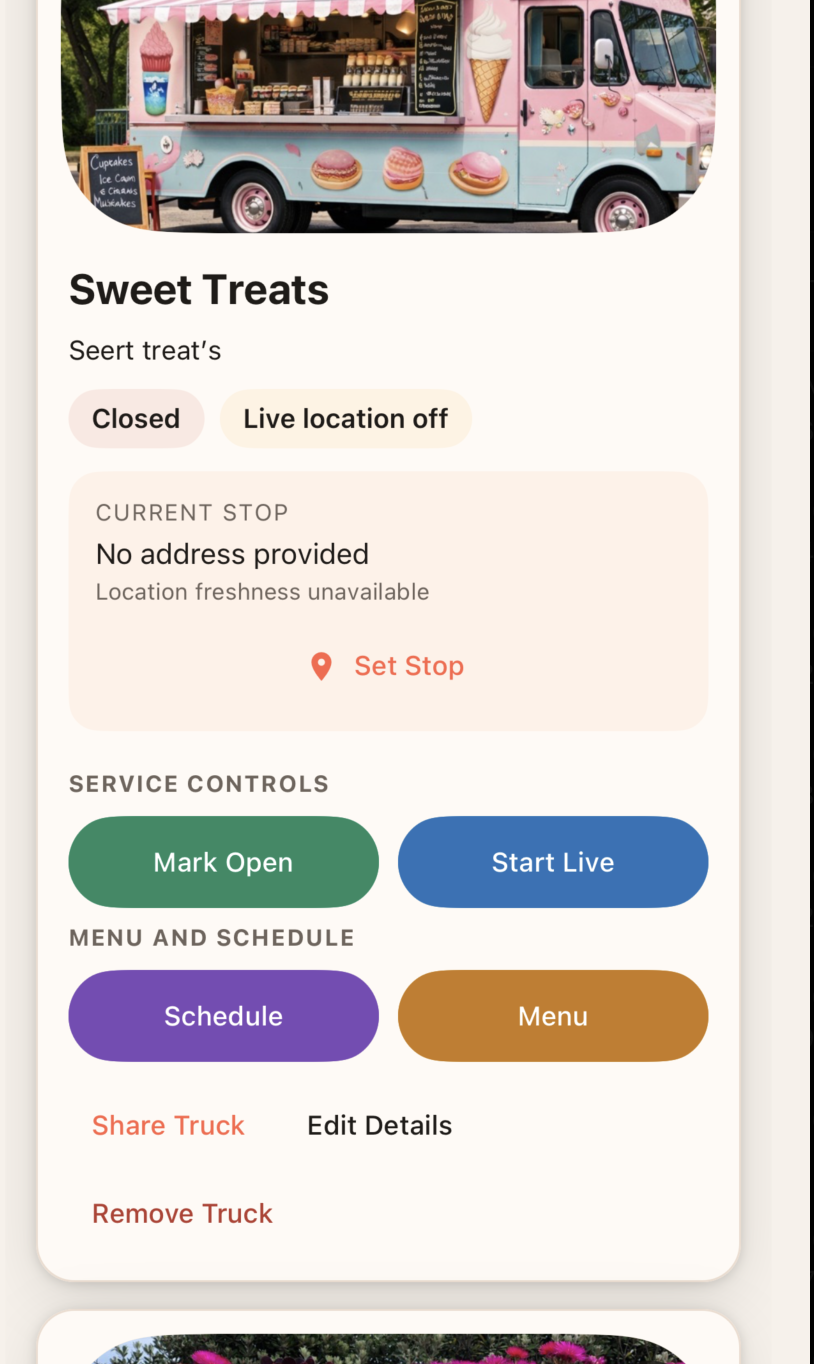
You’ll manage your truck in the app
- Share your live location
- Update menus and schedules
- Add photos, links, and truck details